Ollama x MiniMax: Free Cloud Model in Your Terminal
Ollama just dropped something interesting:
We are partnering with @MiniMax_AI to give Ollama users free usage of MiniMax M2.5 for the next couple of days!
ollama run minimax-m2.5:cloudUse MiniMax M2.5 with OpenCode, Claude Code, Codex, OpenClaw via ollama launch!
I had to try it. Here’s what Ollama is, how to set it up, and what this partnership actually means.
What is Ollama?
Ollama is a tool that lets you run large language models directly on your machine. No cloud accounts, no API keys, no billing dashboards. You install it, pull a model, and start chatting in your terminal.
It started as a way to run open-source models locally (Llama, Mistral, Phi, etc). But it’s evolved into something bigger. With the :cloud tag, Ollama now also acts as a gateway to cloud-hosted models. Same simple interface whether the model is running on your hardware or on someone else’s servers.
One command to run a model. One command to plug it into a coding agent. That’s the idea.
My Setup
For reference, I’m running this on:
- Machine: Apple M4 Max
- RAM: 36GB
- OS: macOS
You don’t need this much hardware to use cloud models through Ollama since the inference happens on MiniMax’s servers. But if you want to run local models too, more RAM helps.
Installing Ollama
macOS
1
brew install ollama
Linux
1
curl -fsSL https://ollama.com/install.sh | sh
Windows
Download the installer from ollama.com.
Once installed, start the Ollama service:
1
ollama serve
Running MiniMax M2.5 for Free
MiniMax is an AI company that built M2.5, a capable large language model. Through this partnership with Ollama, you can use it for free, no API key required. The :cloud tag tells Ollama to route the request to MiniMax’s servers instead of running it locally.
1
ollama run minimax-m2.5:cloud
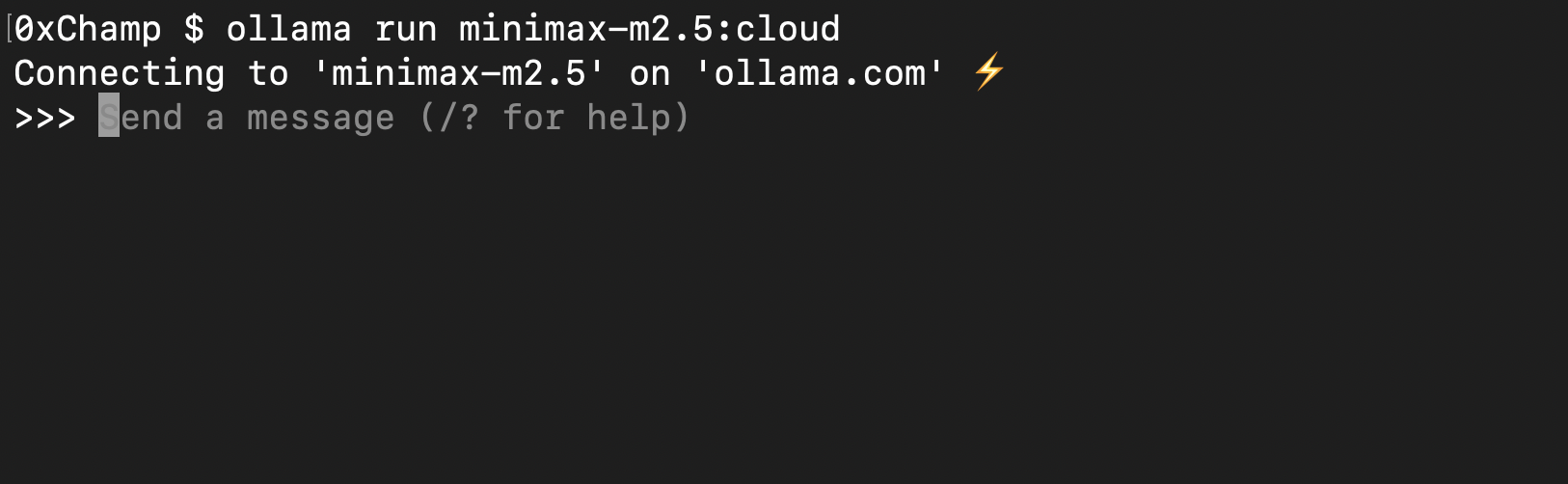 Connecting to MiniMax M2.5 through Ollama. One command, straight into a chat session.
The Real Feature: ollama launch
This is where it gets interesting. ollama launch lets you wire up any model to a coding agent with a single command.
Launch with Claude Code
1
ollama launch claude --model minimax-m2.5:cloud
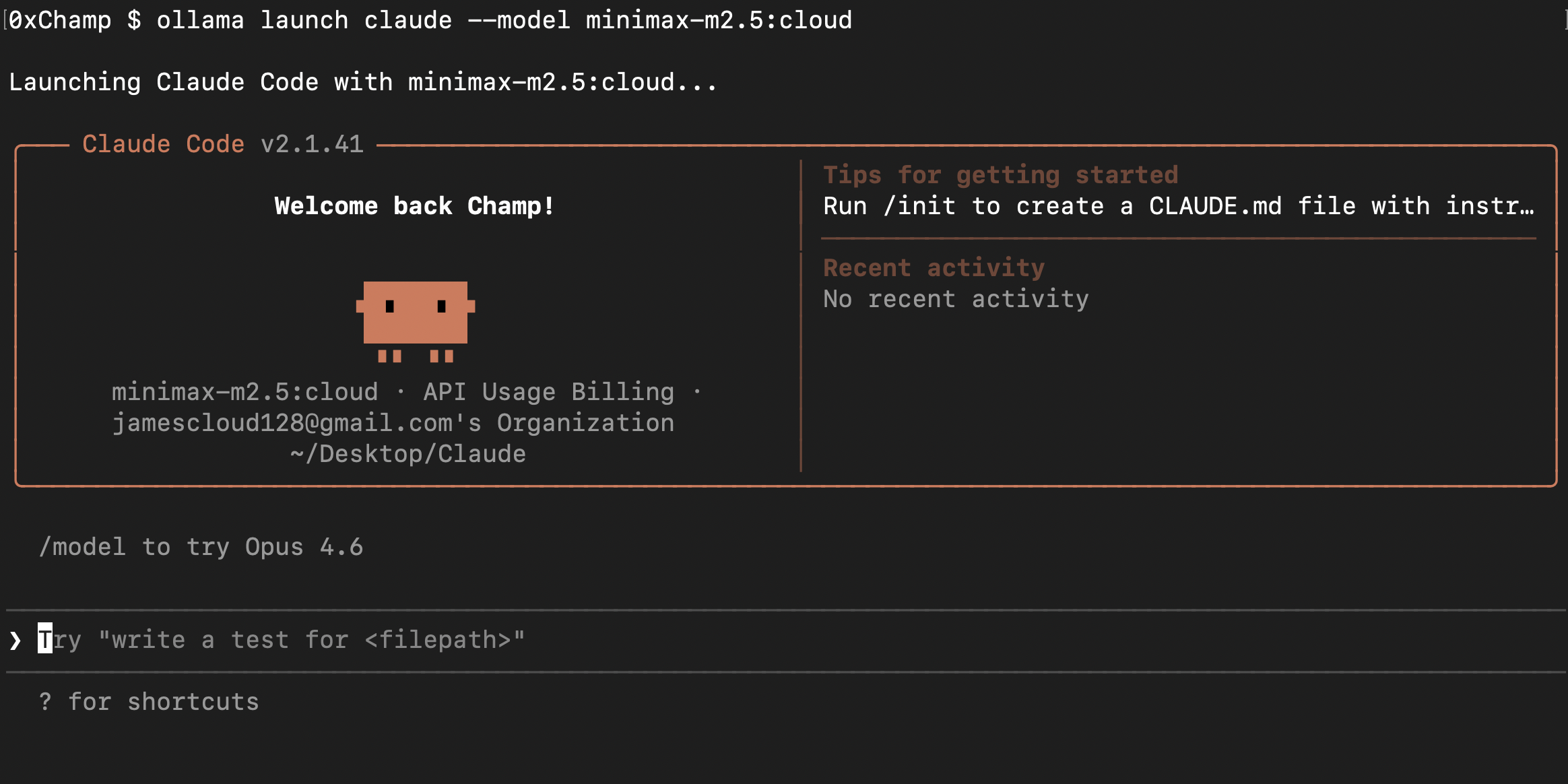 One command and Claude Code opens with MiniMax M2.5 as the model. No config files, no setup.
Launch with OpenCode
1
ollama launch opencode --model minimax-m2.5:cloud
Ollama is acting as the bridge between the model and the coding tool. You pick the model, you pick the agent, and Ollama handles the wiring. No config files, no environment variables, no setup.
Why This Matters
Ollama is becoming a universal interface for LLMs. The pattern is simple:
- Local model:
ollama run llama3(runs on your machine) - Cloud model:
ollama run minimax-m2.5:cloud(runs on MiniMax’s servers) - Coding agent:
ollama launch claude --model <any-model>(plugs into tools)
Same commands, same workflow, regardless of where the model lives. That’s the direction things are heading. You shouldn’t need to care whether inference is local or remote. The interface should be the same.
The MiniMax partnership is a preview of that future. Free cloud model, one command, no friction. Try it while it lasts.